Learn
Learn Subcontext
Short walkthroughs and step-by-step guides to every part of the platform.
Walkthroughs and guides
A few minutes each, one feature at a time, and step-by-step guides from set-up to results.
 1:38
1:38
Nurture with AI: the follow-up button inside your own CRM
Add one small script tag to your CRM and every client record gets a follow-up button. The assistant writes the message from your latest call note, and your advisor approves it before it goes anywhere.
Win back quiet leads with a nurture stream
Find leads that have gone quiet, save them as a segment, and message them through an outreach stream with drafts you approve.
 2:14
2:14
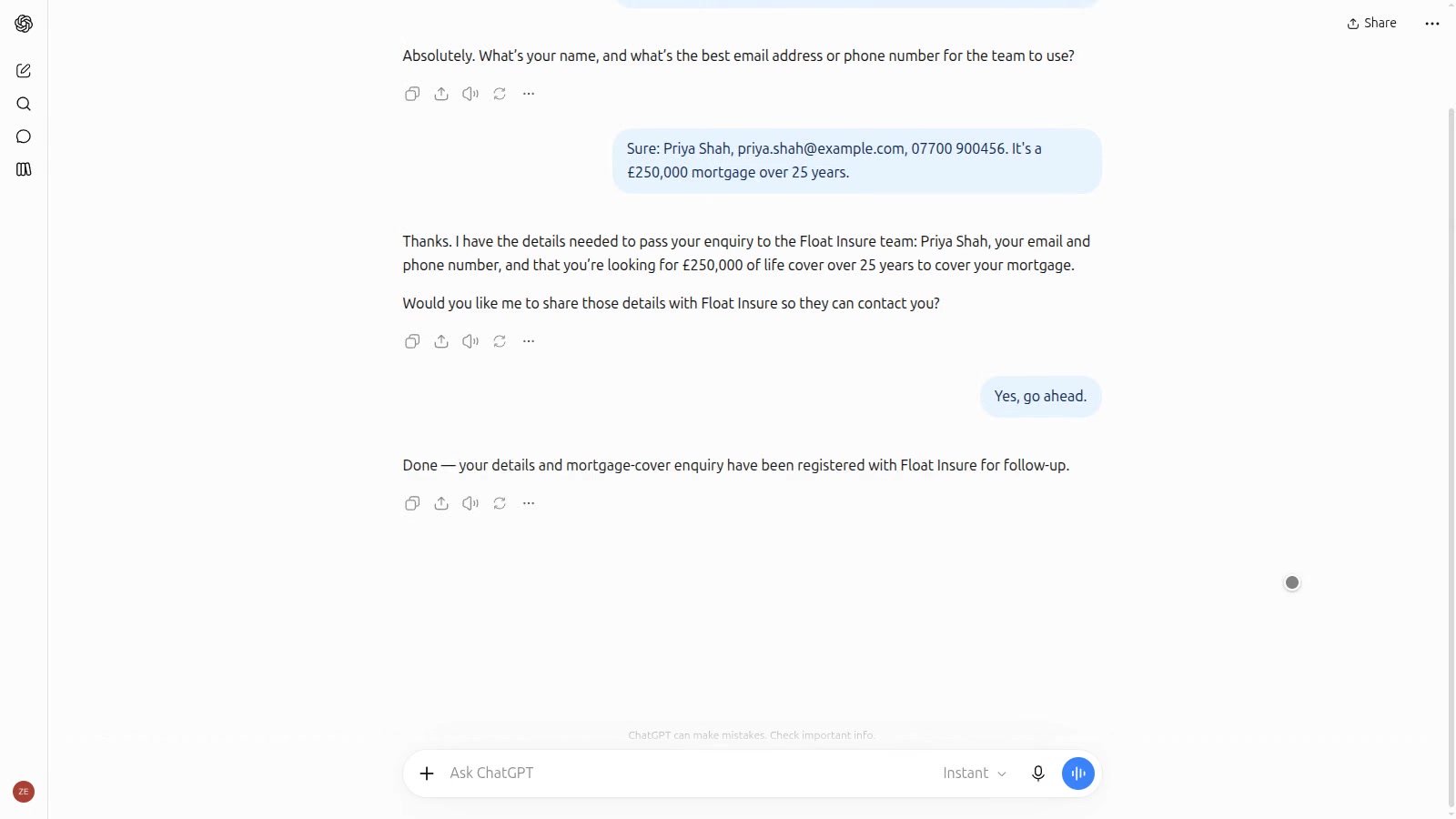
AI assistant apps: your firm inside ChatGPT and Claude
Build an app for ChatGPT or Claude in a few clicks, with your agent and ready-made tools. Customers ask the assistant to put them in touch, and the lead lands in Subcontext and your own CRM.
Let customers' own AI assistants reach you
Publish a ChatGPT or Claude app, add WebMCP tools to your website, publish an A2A agent card, then see what assistants ask and which leads they bring.
 2:31
2:31
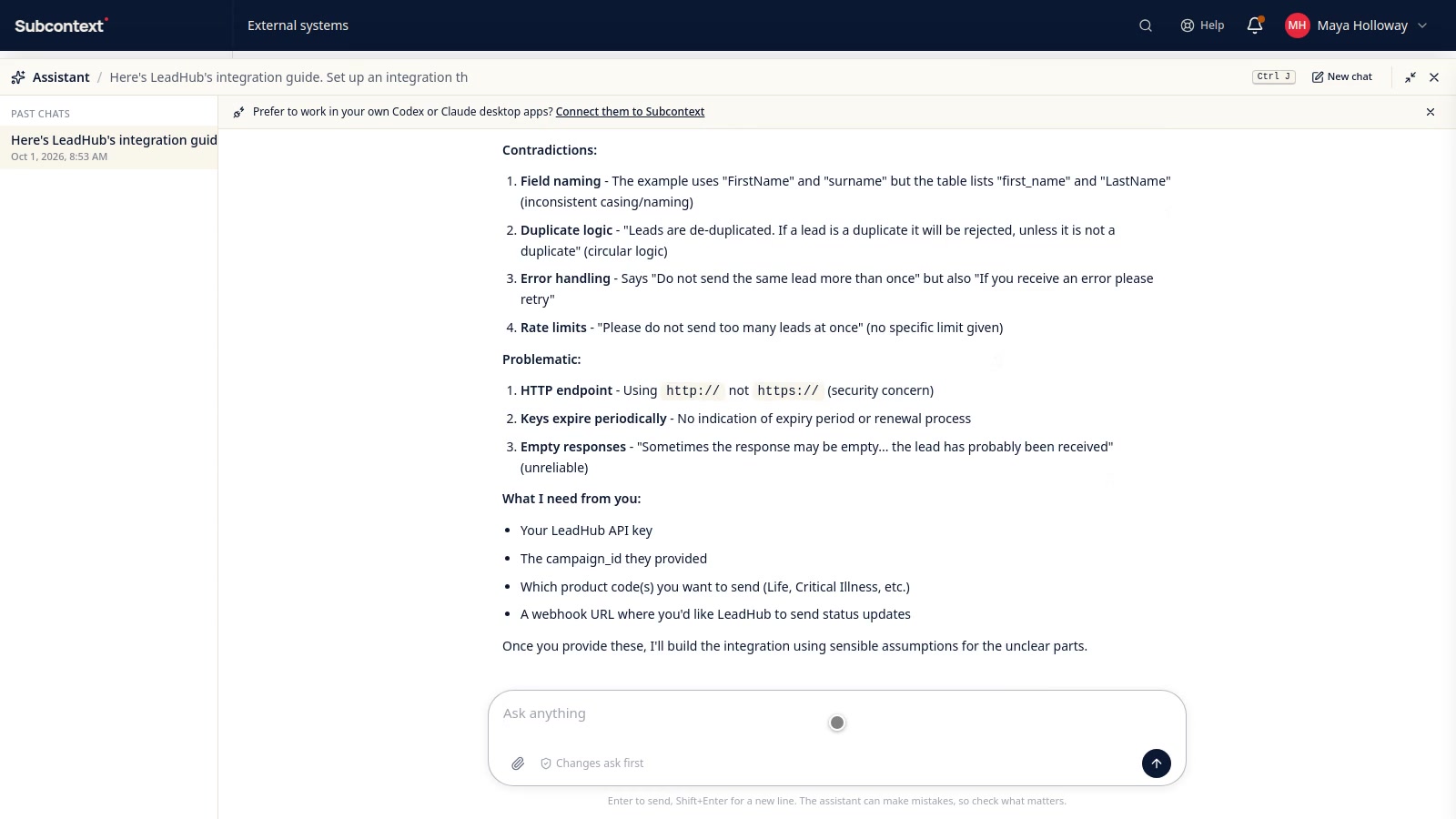
Integrations: hand the assistant the API guide and let it build
Drop a partner's integration guide into the assistant, however messy. It reads every page, asks about what's missing, then builds the connection, endpoint and request body for your approval, tests it with a made-up lead and shows you the call in the log.
Send every new lead to your CRM or a Google Sheet
Connect a Google Sheet, a webhook or a custom integration, and use it in a workflow that runs each time a lead arrives.
 2:24
2:24
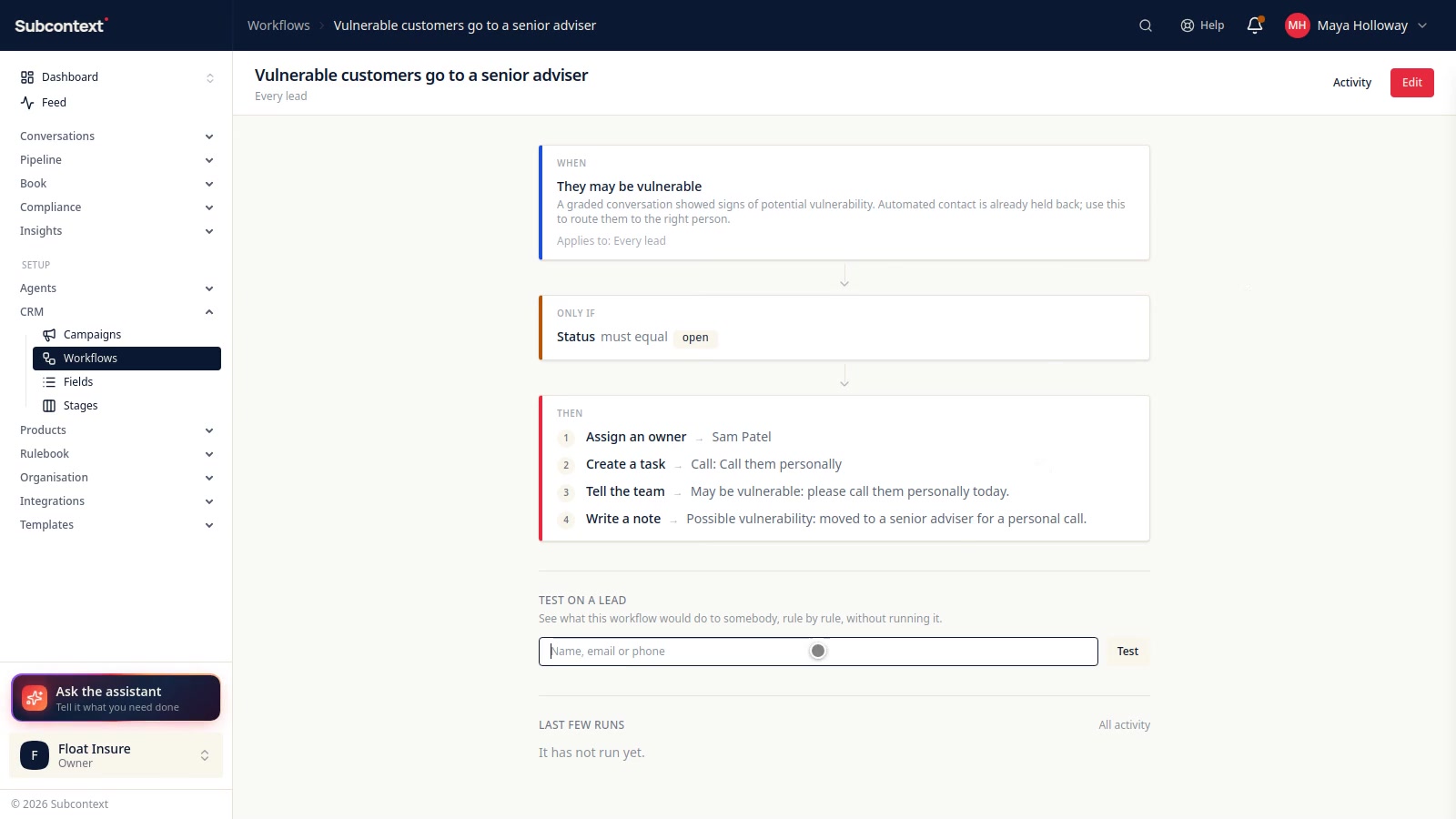
Workflows: the jobs nobody has to remember
When something happens to a lead, do something about it, every time. Pick what starts it, add conditions, then give it an owner, a task, a word to the team or a note. Test it on a lead before it goes live, see every run logged, or ask the assistant to build one for you.