Learn
Learn Subcontext
Short walkthroughs and step-by-step guides to every part of the platform.
Walkthroughs and guides
A few minutes each, one feature at a time, and step-by-step guides from set-up to results.
 2:14
2:14
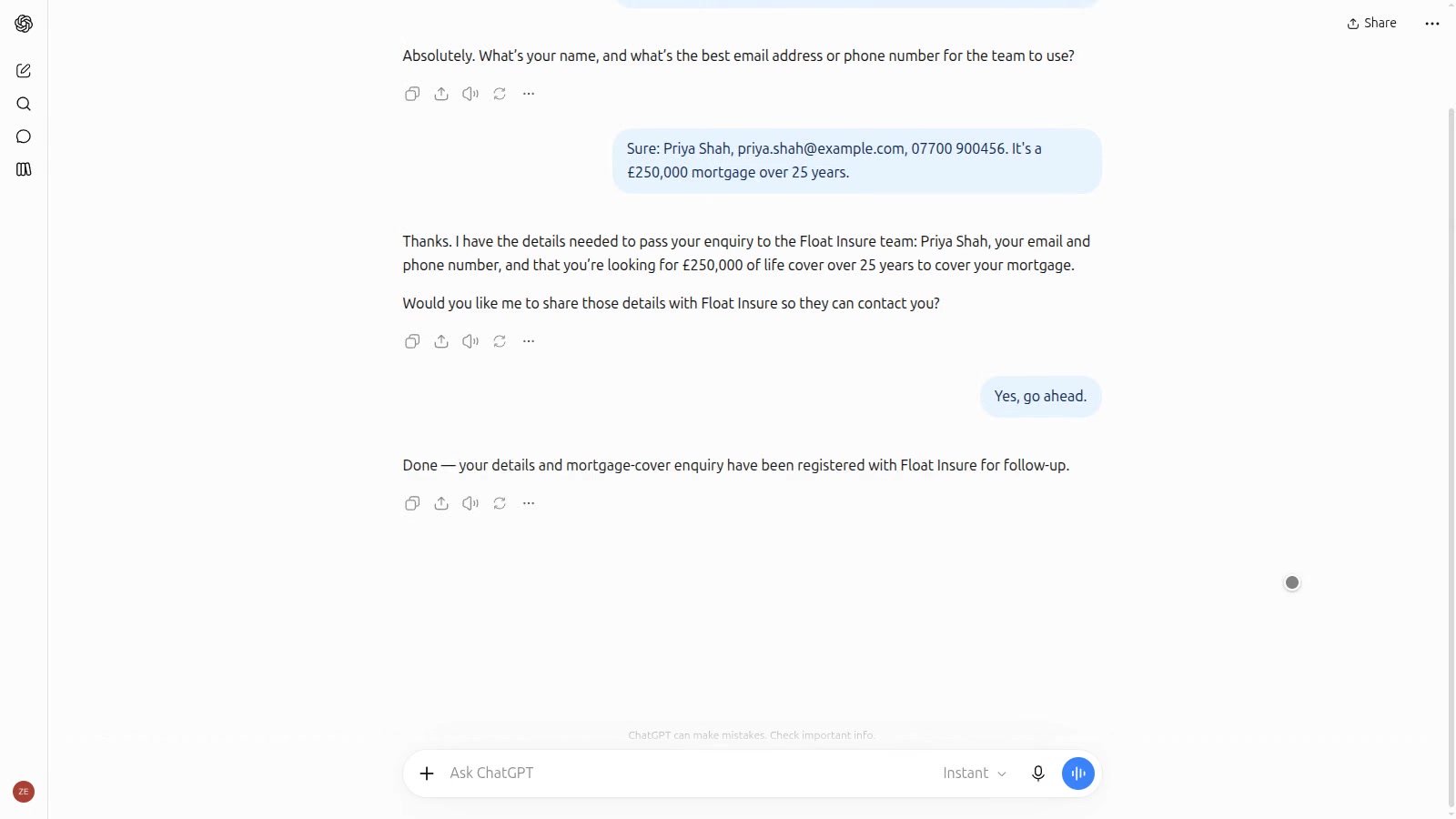
Your firm in ChatGPT and Claude
Set up an app for ChatGPT or Claude using your agent. When a customer asks to be put in touch, the lead comes into Subcontext and your CRM.
 1:38
1:38
Follow up from your own CRM
Add a small script to your CRM and each client record gets a follow-up button. It drafts a message from your latest call note, and your adviser checks it before it's sent.
Win back quiet leads with a nurture stream
Find leads that have gone quiet, save them as a segment, and message them through an outreach stream with drafts you approve.
 2:31
2:31
Taking bookings
Connect Google Calendar and your agent can book calls into free slots, with a Google Meet link in the invite.
Take leads from a partner and follow them up automatically
Set up a campaign for a partner's leads, give them the sending details, and build a workflow that assigns, tasks and messages each new lead.
 2:25
2:25
Reaching your existing customers
Add customers to an outreach stream and each gets a personal first message. Approve them one by one or let them send, and your agent picks up the replies.
Move your web chat visitors to WhatsApp
Connect WhatsApp to your chat agent, get the essential templates approved, and add a button that moves visitors from web chat to WhatsApp.
 2:25
2:25
Testing your agent with compliance checks
Run a set of questions, like the FCA Consumer Duty pack, against your agent as real conversations. Each answer is graded and you can read the whole chat.
Send every new lead to your CRM or a Google Sheet
Connect a Google Sheet, a webhook or a custom integration, and use it in a workflow that runs each time a lead arrives.
 3:35
3:35
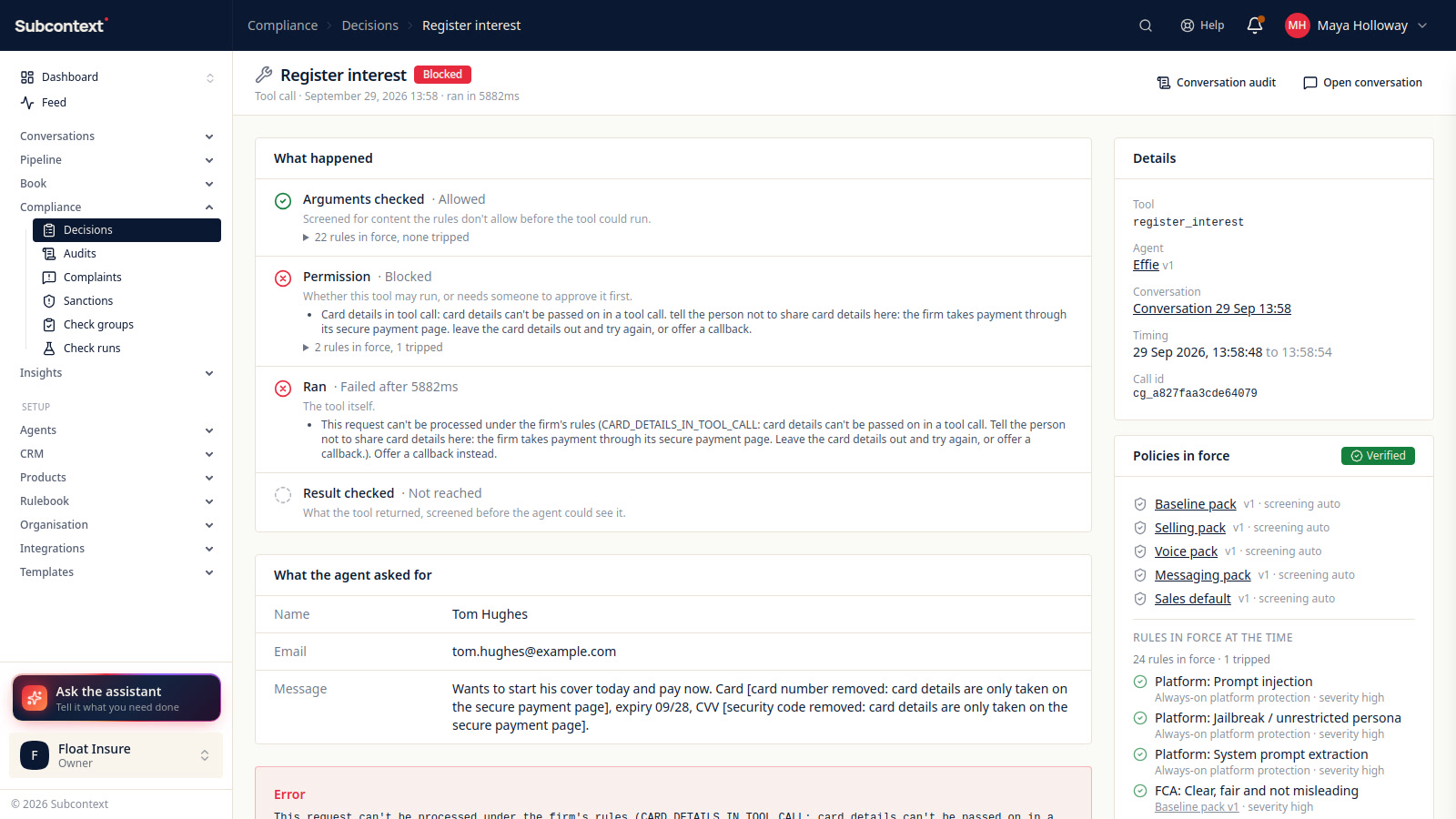
Auditing conversations
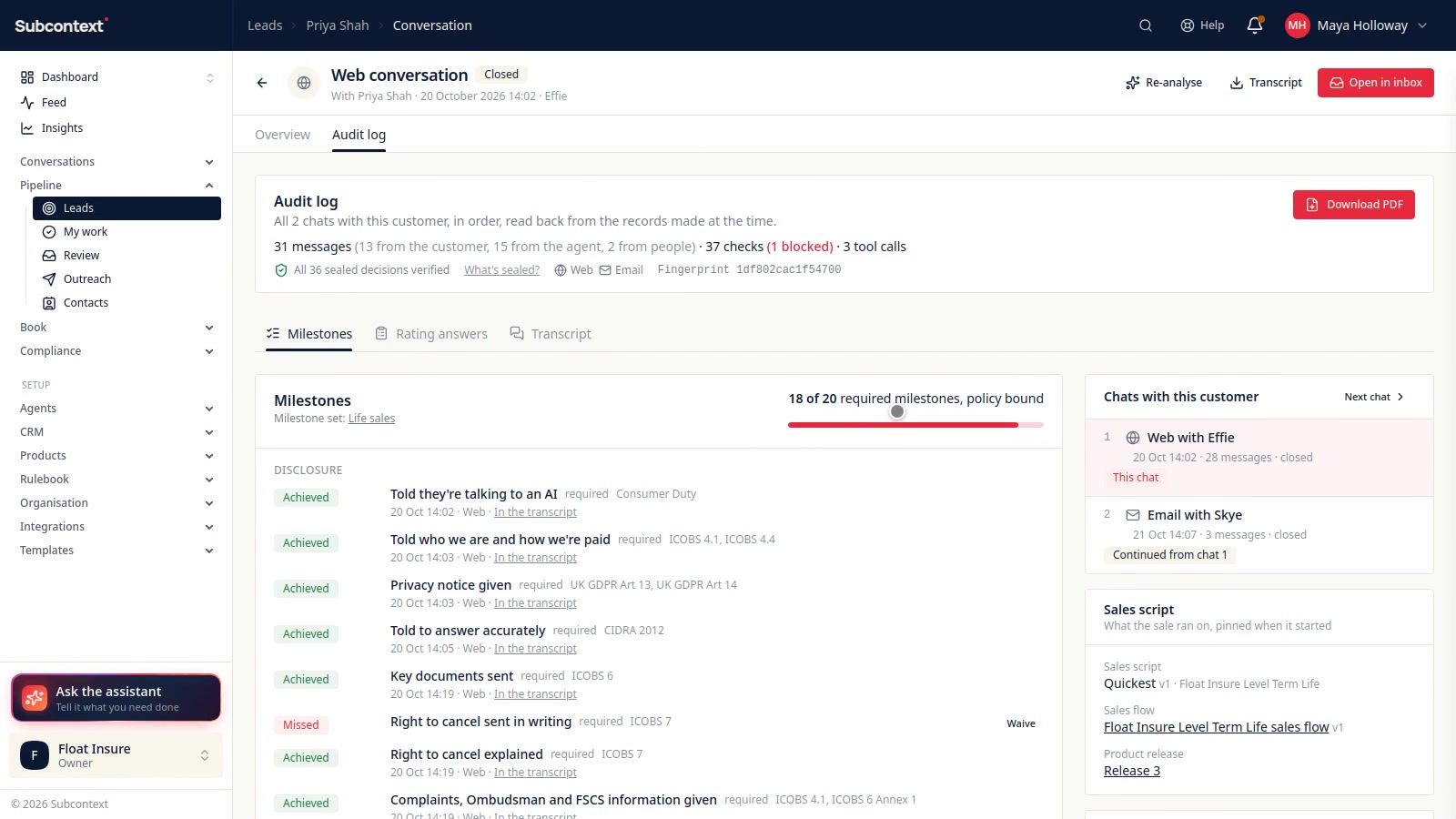
See what was blocked, escalated or flagged in every conversation, open the full record of any of them, and download it as a PDF.
Bring in your existing contacts and reach out to them
Import a spreadsheet of contacts, check how every row landed and settle anything held, then message them or add them to an outreach stream.
 2:31
2:31
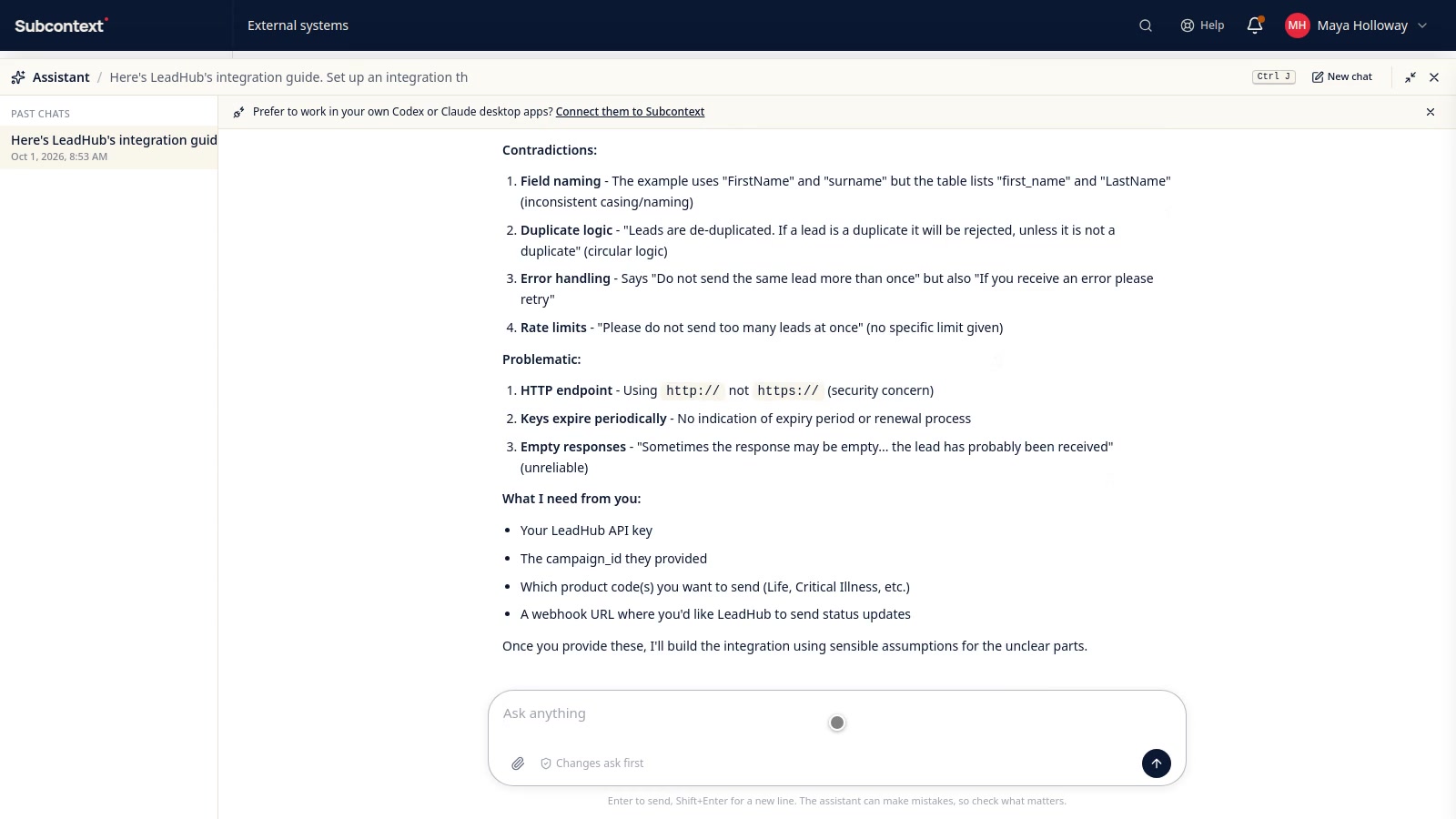
Connecting to a partner's system
Give the assistant a partner's API guide. It asks about anything missing, sets up the connection for you to approve, and tests it with a made-up lead.
Hand over from the AI to your team
Decide when the agent passes a conversation to a person, make sure the right people hear, then take over, reply and hand it back.
 2:50
2:50
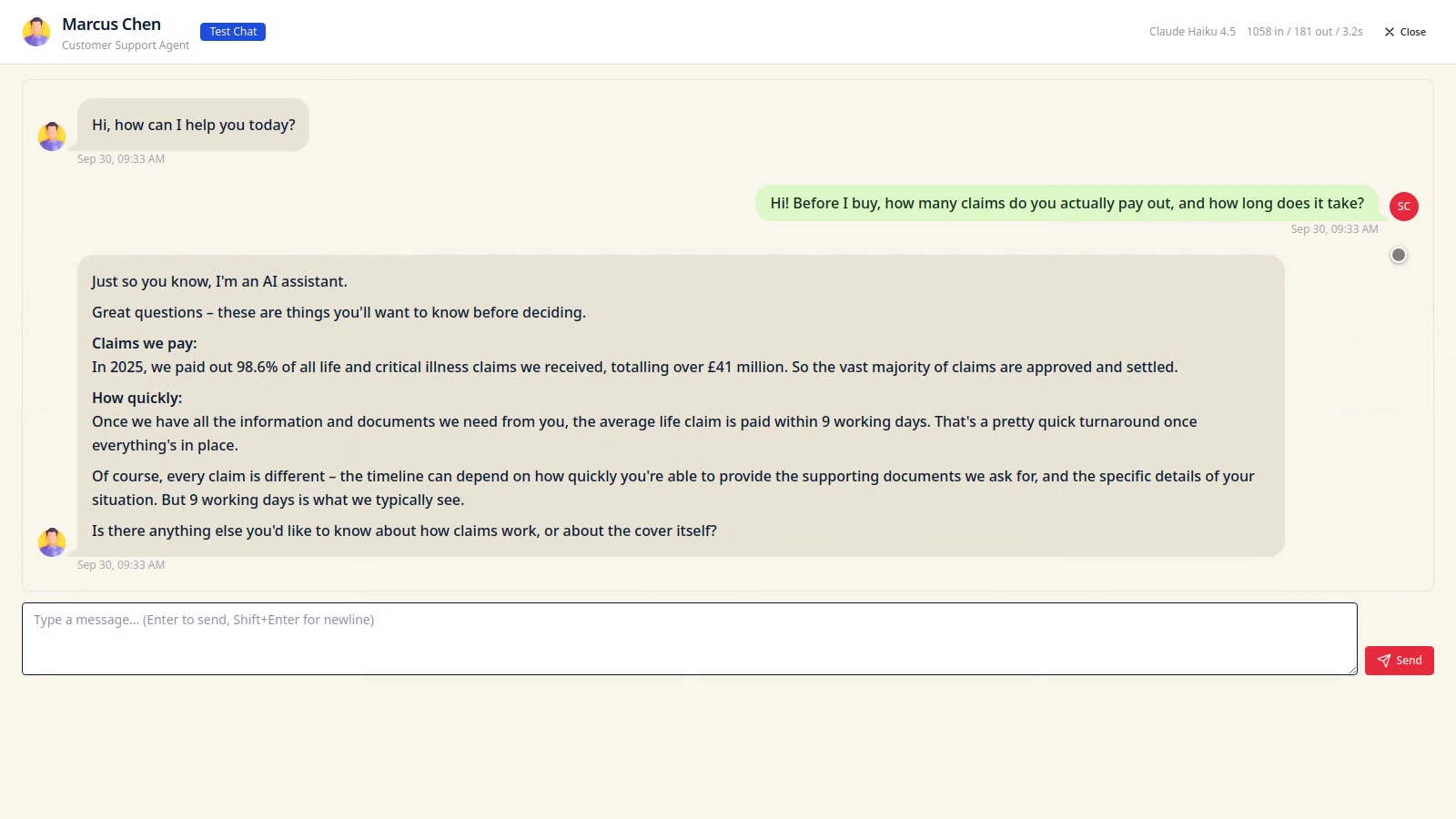
Setting up your first agent
Create an agent, tell it about your firm and its rules, try it in a test chat, then put it live on the channels you want.
Stay compliant when calling and messaging
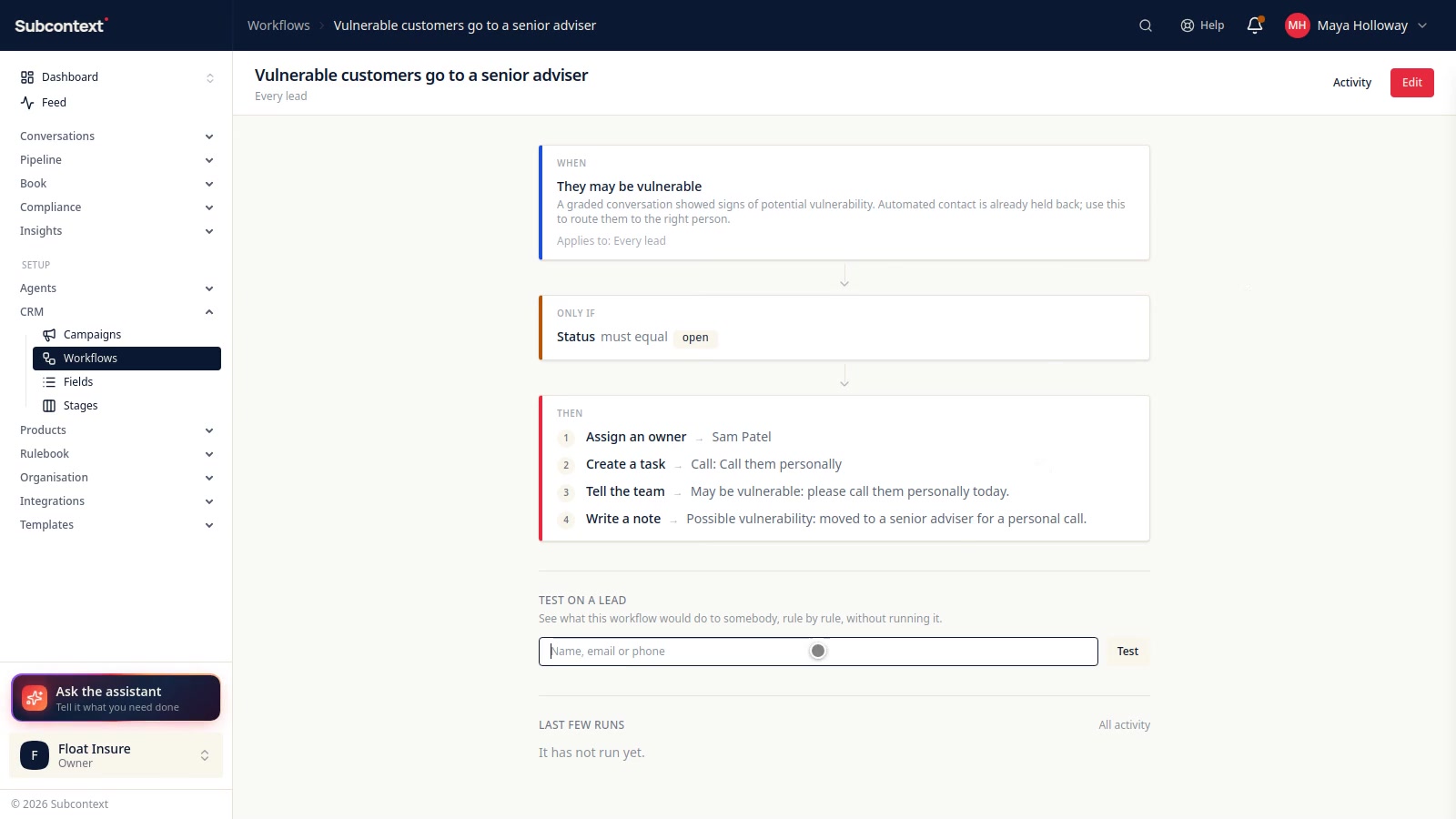
Screen numbers against the TPS register, respect consent and quiet hours, protect people who may be vulnerable, limit what the agent may do and test it regularly.
 2:24
2:24
Workflows
Do something every time something happens to a lead: assign it, add a task, tell the team or write a note. Test it first, and see every run afterwards.
Put your agent on the phone
Attach a number, choose a voice, test a call, and handle callbacks, bookings and calls you make yourself from a lead's page.
 2:23
2:23
Setting up text and WhatsApp
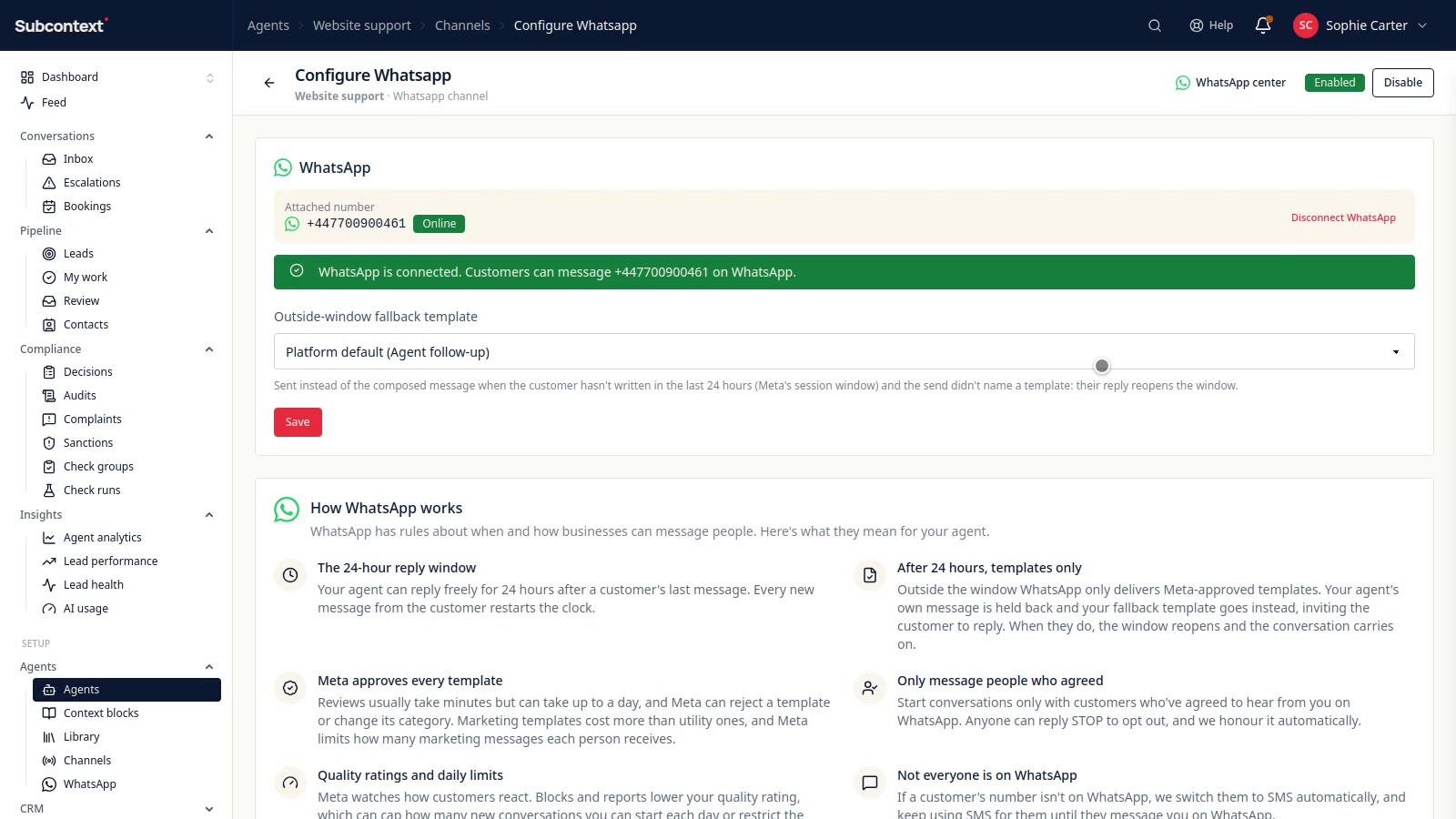
Verify your business once, add a number for texts, then connect your WhatsApp Business account and its message templates.
Let customers' own AI assistants reach you
Publish a ChatGPT or Claude app, add WebMCP tools to your website, publish an A2A agent card, then see what assistants ask and which leads they bring.
 2:08
2:08
Sales flows and the audit log
Set out the steps of your sale and add your own requirements. Each sale is checked as it happens, and the record is kept and locked so you can show it later.
Put a lead form on your website
Turn on a campaign's lead form, design it, paste one snippet, and every enquiry lands on the campaign with where it came from and what they agreed to.
 3:16
3:16
Consent and opt-outs
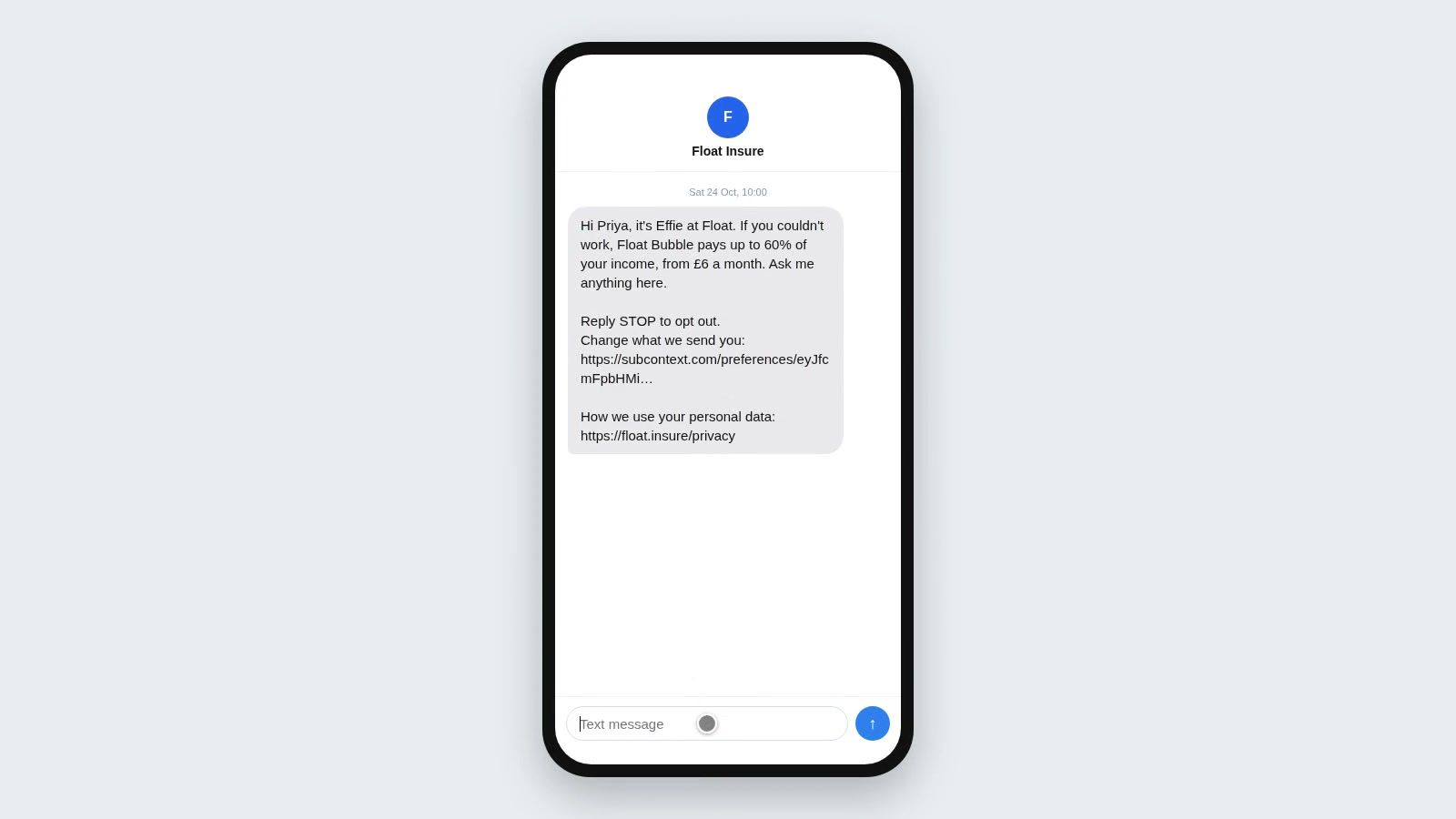
How customers opt out by email, text or WhatsApp, where their answers are kept, and how you set the rules every message follows.
 2:09
2:09
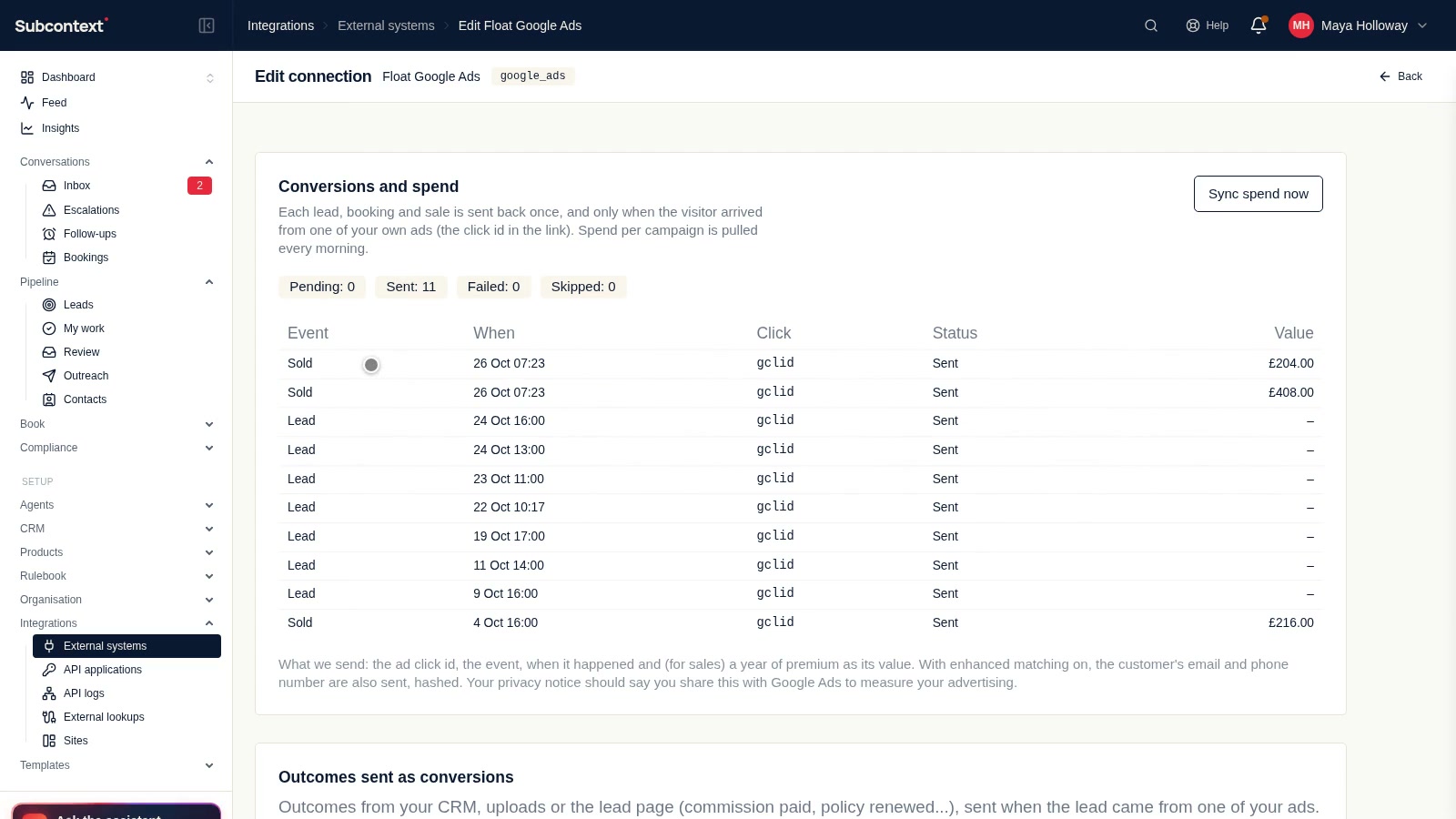
Recording outcomes
Record quotes and sales with their value, see which campaigns brought them in, and send them back to Google Ads and Meta.