Learn
Learn Subcontext
Short walkthroughs and step-by-step guides to every part of the platform.
Walkthroughs and guides
A few minutes each, one feature at a time, and step-by-step guides from set-up to results.
 1:38
1:38
Nurture with AI: the follow-up button inside your own CRM
Add one small script tag to your CRM and every client record gets a follow-up button. The assistant writes the message from your latest call note, and your advisor approves it before it goes anywhere.
 2:31
2:31
Bookings: your agent fills the diary itself
Connect your Google Calendar and switch on booking for your agent. It offers times that are genuinely free, books the call, and adds a Google Meet link to the invite.
 2:25
2:25
Customer outreach: from your book to personal conversations
Add customers to an outreach stream and the AI drafts a personal intro for each one. Approve each message or let the stream send on its own, then your agent handles the replies.
 2:25
2:25
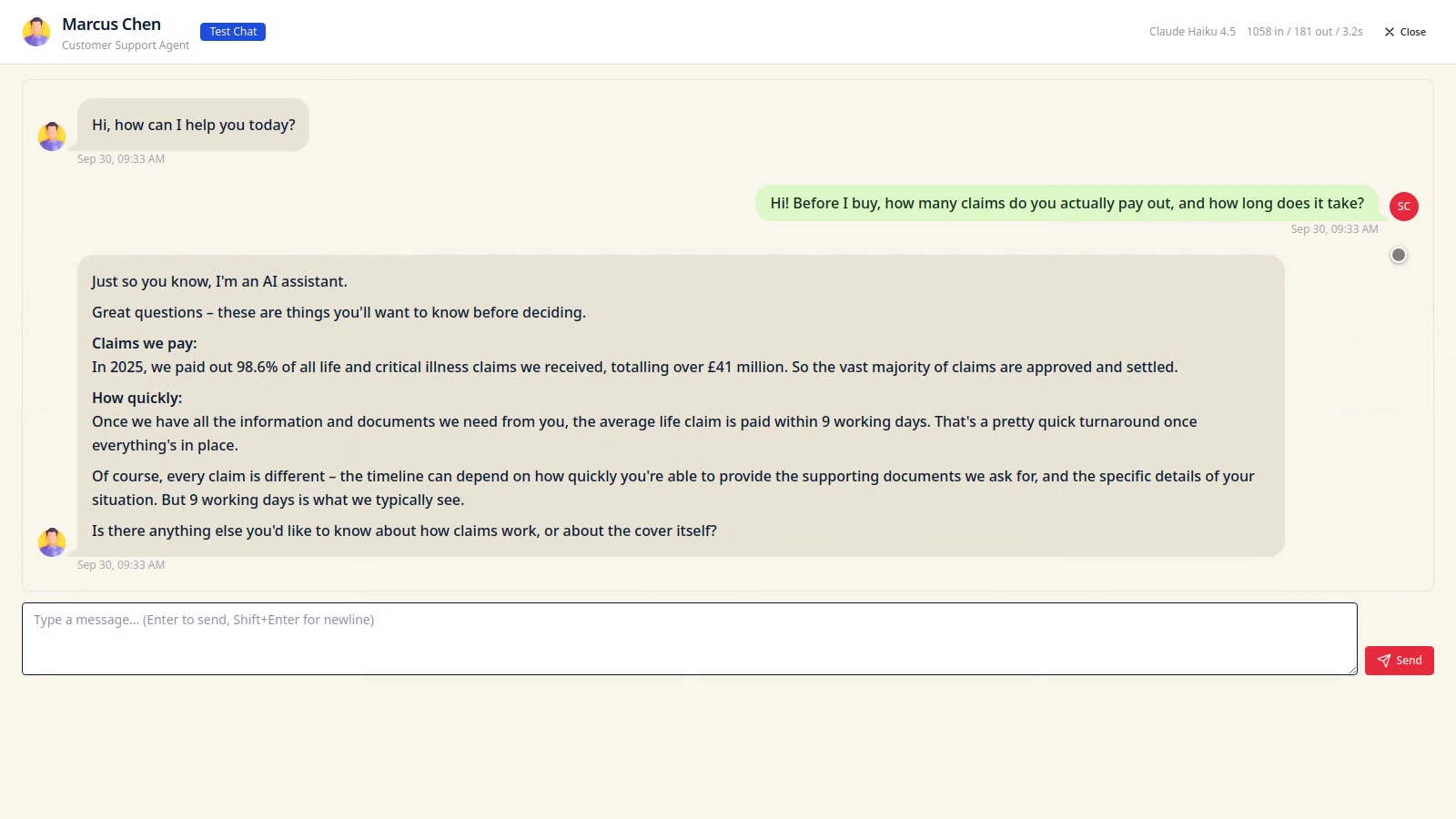
Compliance checks: prove your agent behaves before customers meet it
Install a ready-made pack of conduct questions, like the FCA Consumer Duty, and run them against your agent as real conversations. Each answer is graded, with the full transcript to back it up.
 2:50
2:50
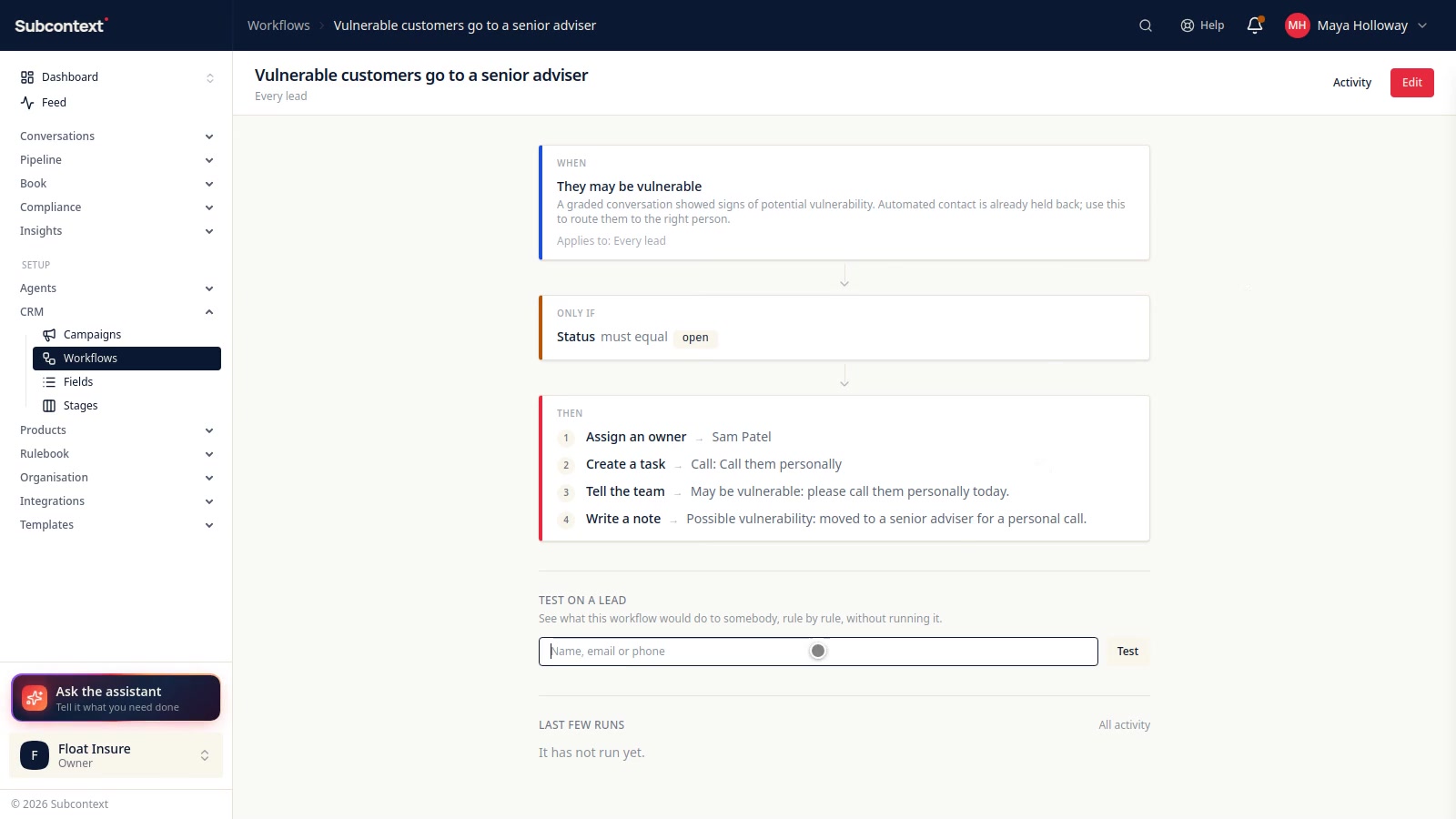
Your first agent: create it, test it, put it live
Name your agent, choose its persona, and give it what your firm knows and the rules it works under. Try it in a private test chat, promote it when you're happy, then switch on the channels where customers can reach it.
 2:24
2:24
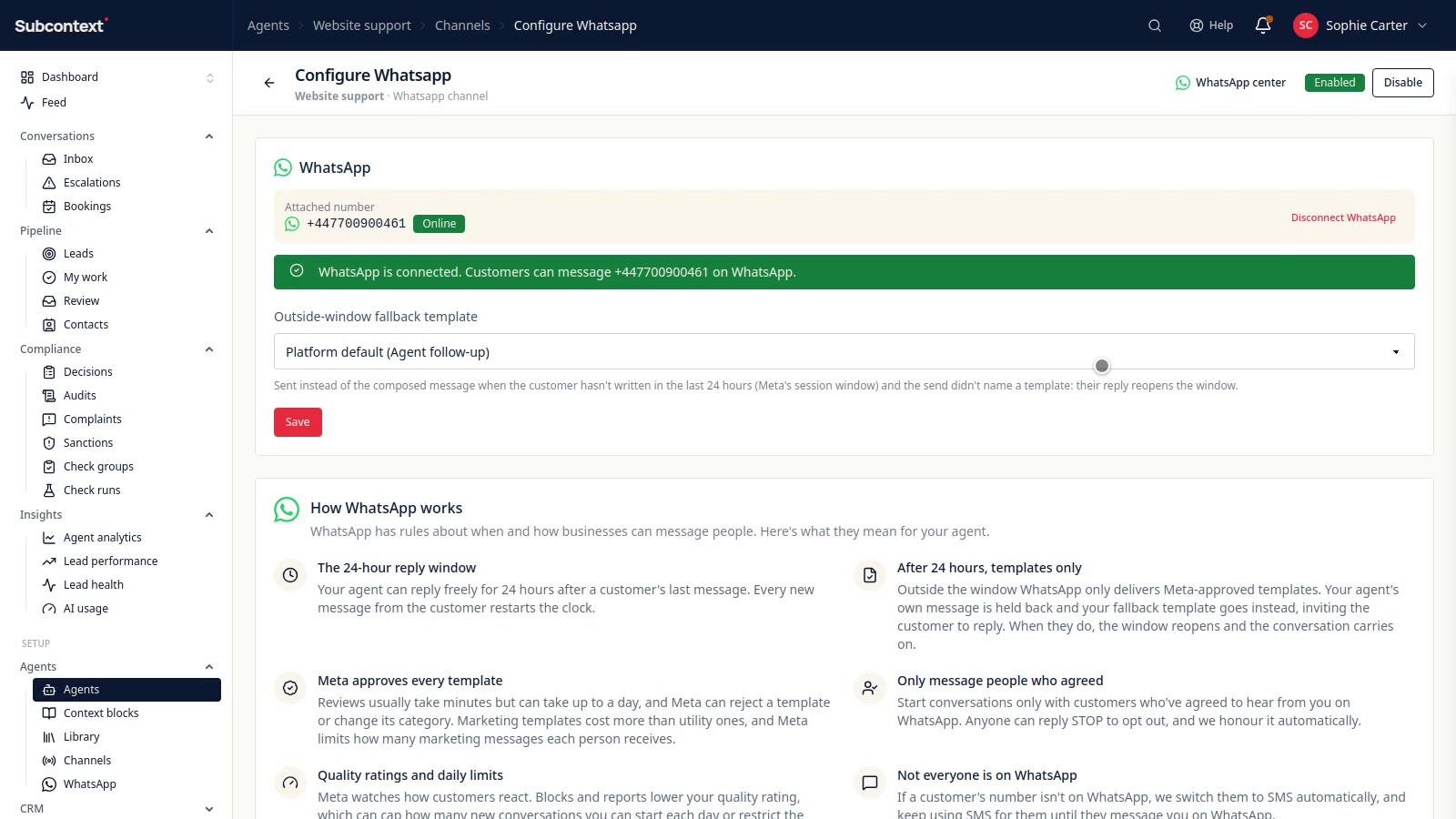
Workflows: the jobs nobody has to remember
When something happens to a lead, do something about it, every time. Pick what starts it, add conditions, then give it an owner, a task, a word to the team or a note. Test it on a lead before it goes live, see every run logged, or ask the assistant to build one for you.
 2:23
2:23
Text and WhatsApp: verify your business, then connect WhatsApp
Complete phone number compliance once, attach a number for text messages, then connect your own WhatsApp Business account with your Facebook login. See how Meta-approved templates keep WhatsApp working after 24 hours, and run it all from the WhatsApp center.